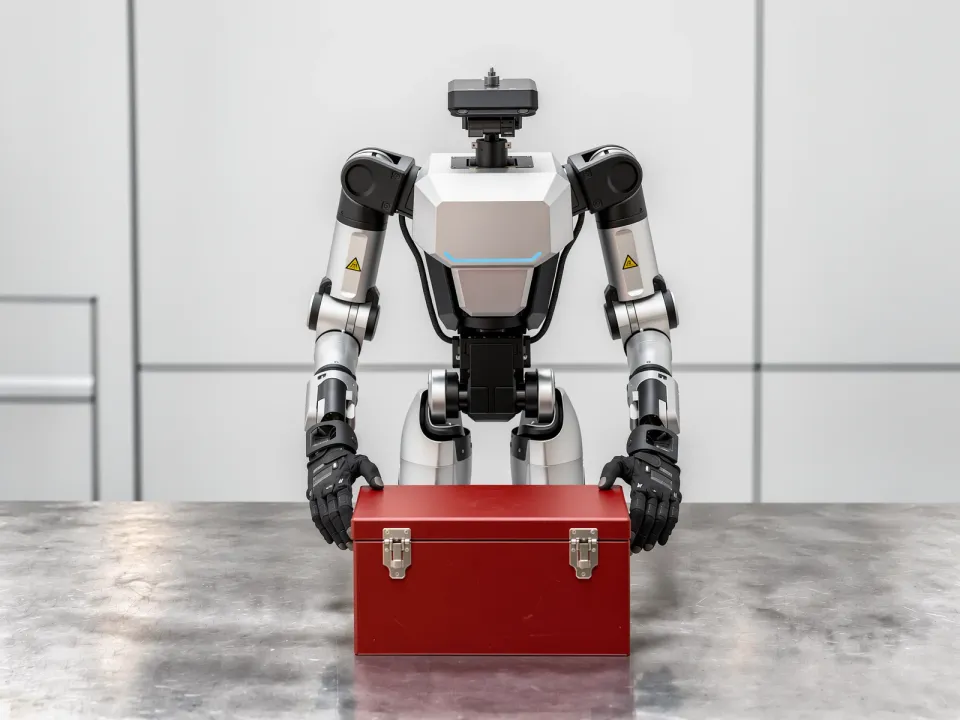
ACTION 10
Actuation
Driving a constrained-axis interface to a target state or position
Why It Matters
Buttons, knobs, sliders, and valves are built for people and offer no separate robot interface. Examples include running equipment start-up sequences, setting valve openings on process piping, and starting and stopping conveyors.
Automating without modifying the equipment means operating the same physical interfaces people use. The margin between the actuation threshold and the damage threshold is narrow, and the constrained direction differs from device to device, so position commands alone cannot do the job.
Skills 8
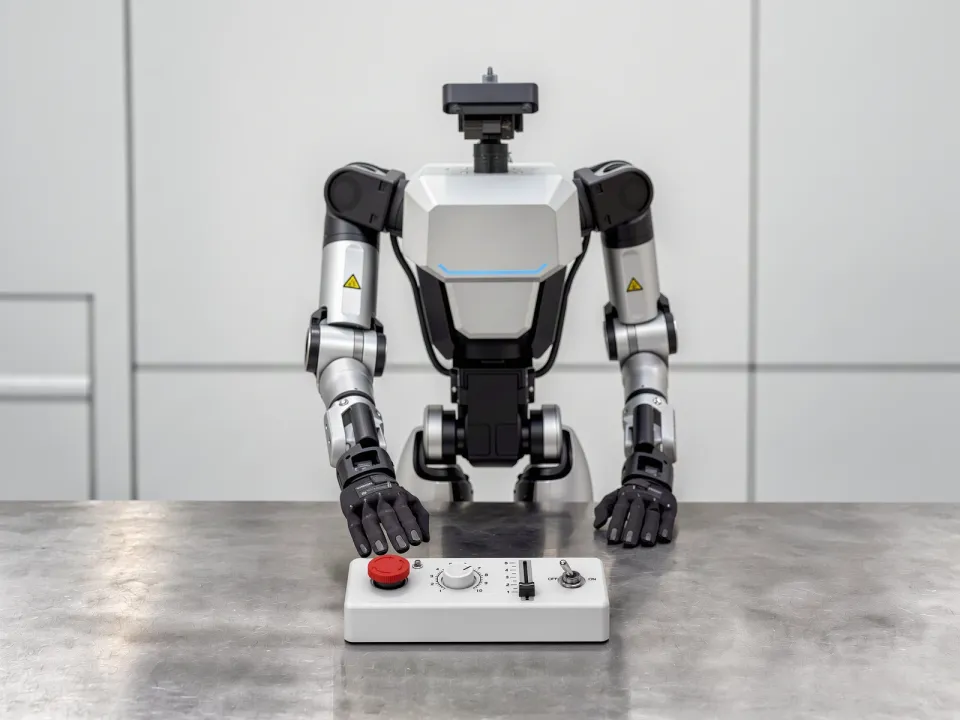
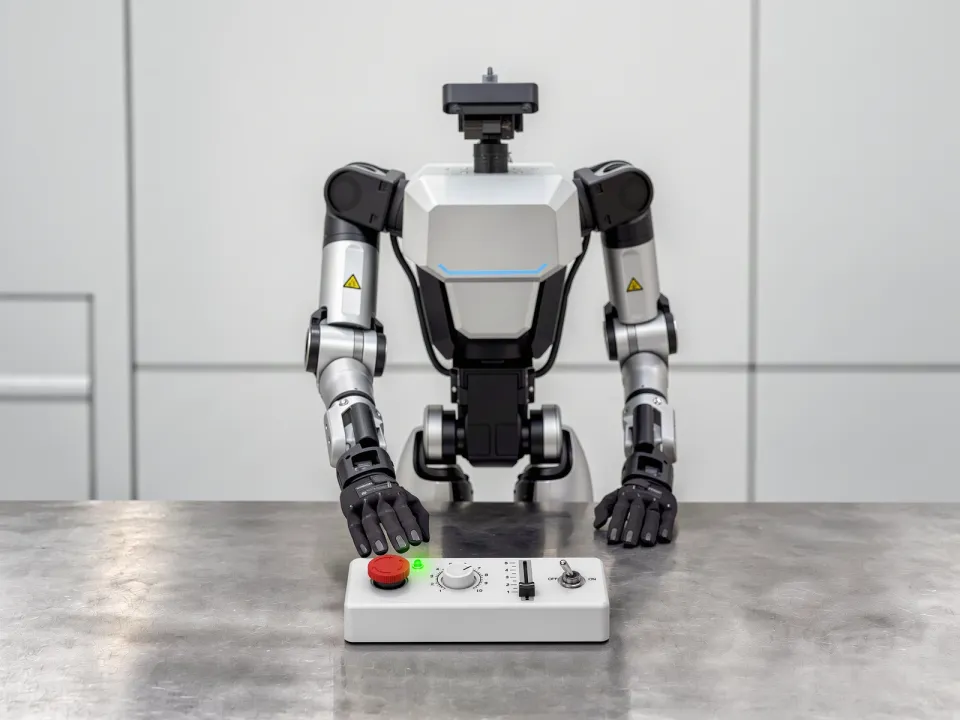
10-AButton Actuation
The travel and force needed to actuate are not known in advance, and actuation can be confirmed only by a change in resistance while pressing.
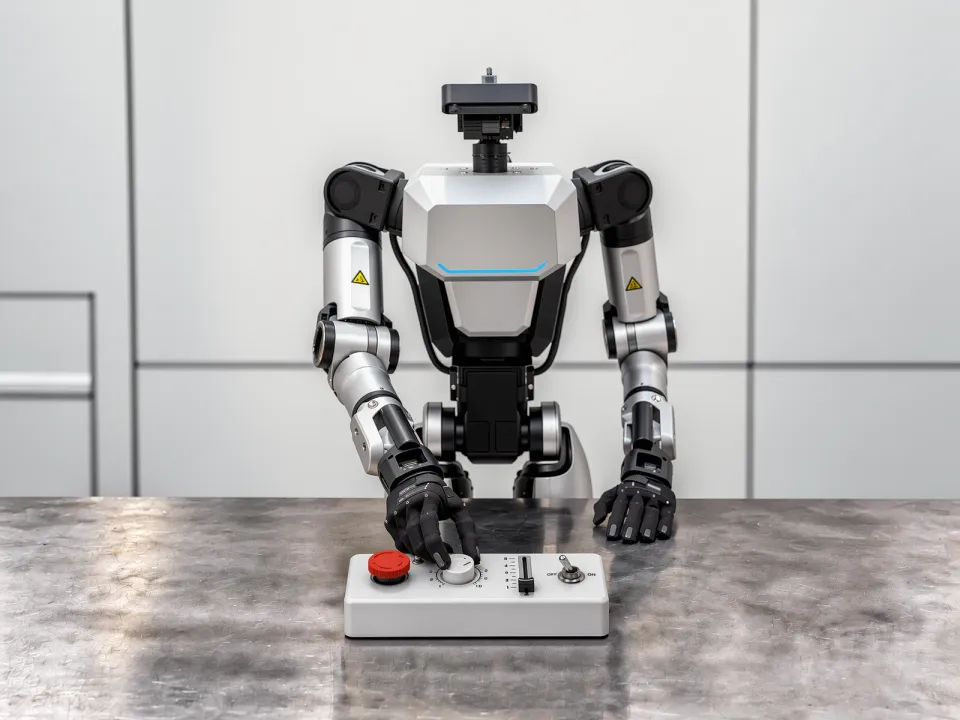
10-BKnob Actuation
The hand covers the scale during operation, so whether the knob has stopped at the target position cannot be confirmed.
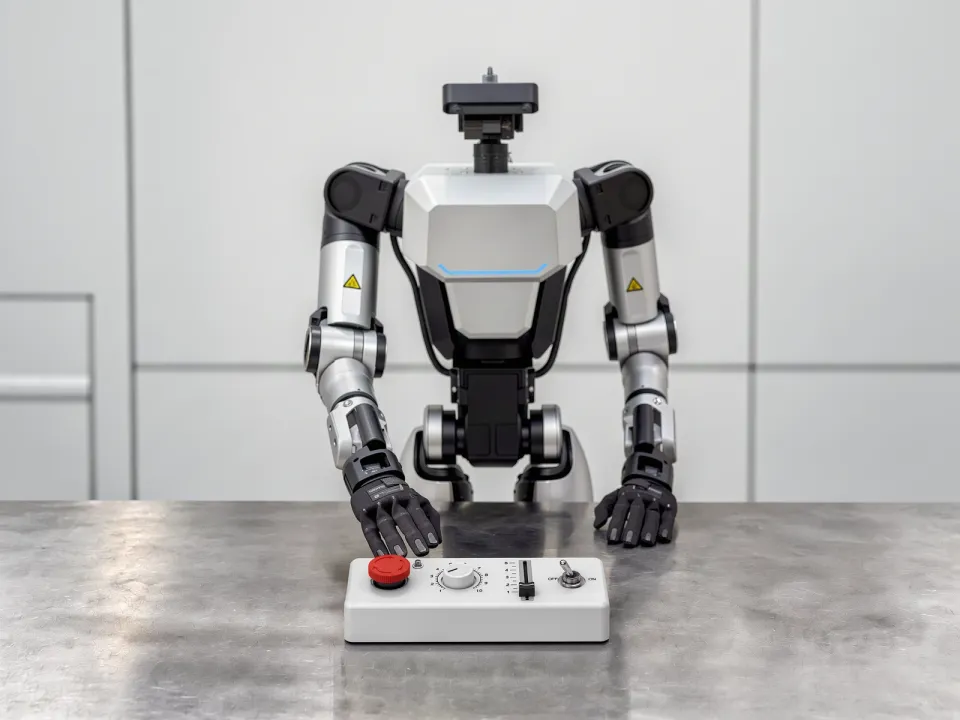
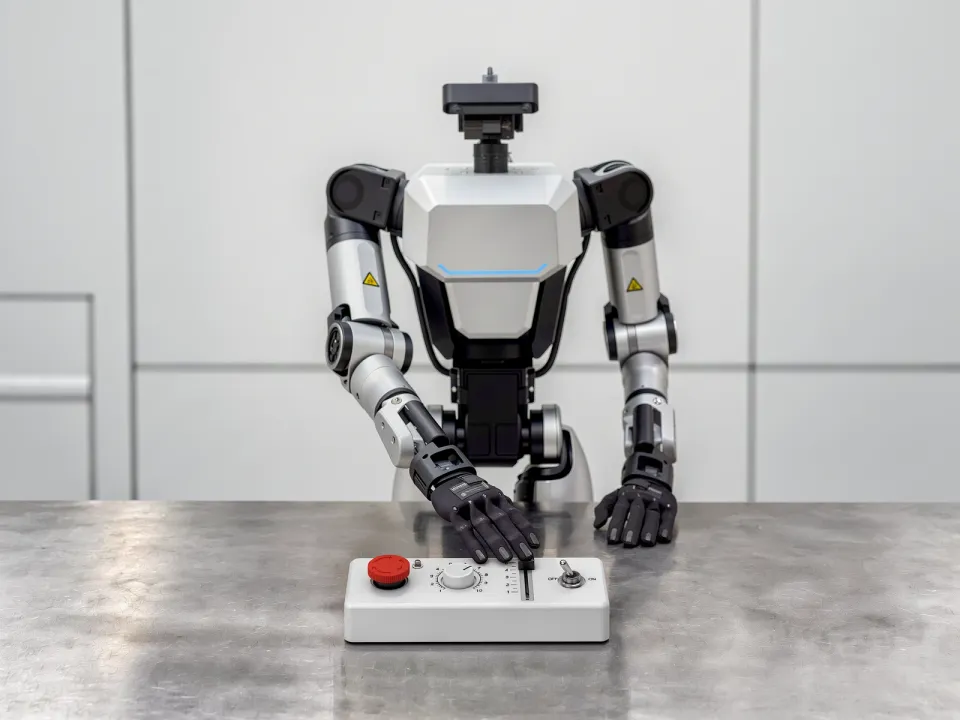
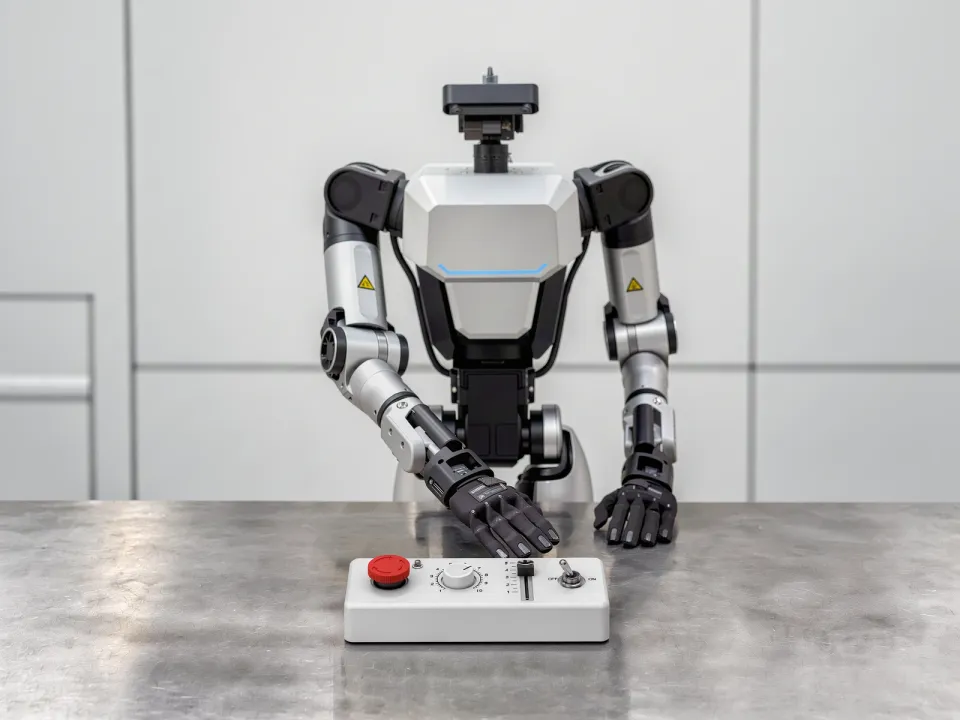
10-CSlider Actuation
The slider moves along a fixed axis, but the target range is narrow, so pushing even slightly too far overshoots it.
10-DToggle Actuation
Adjacent switches are closely spaced, yet switching requires a strong force, so a large force must be applied precisely in a tight space.
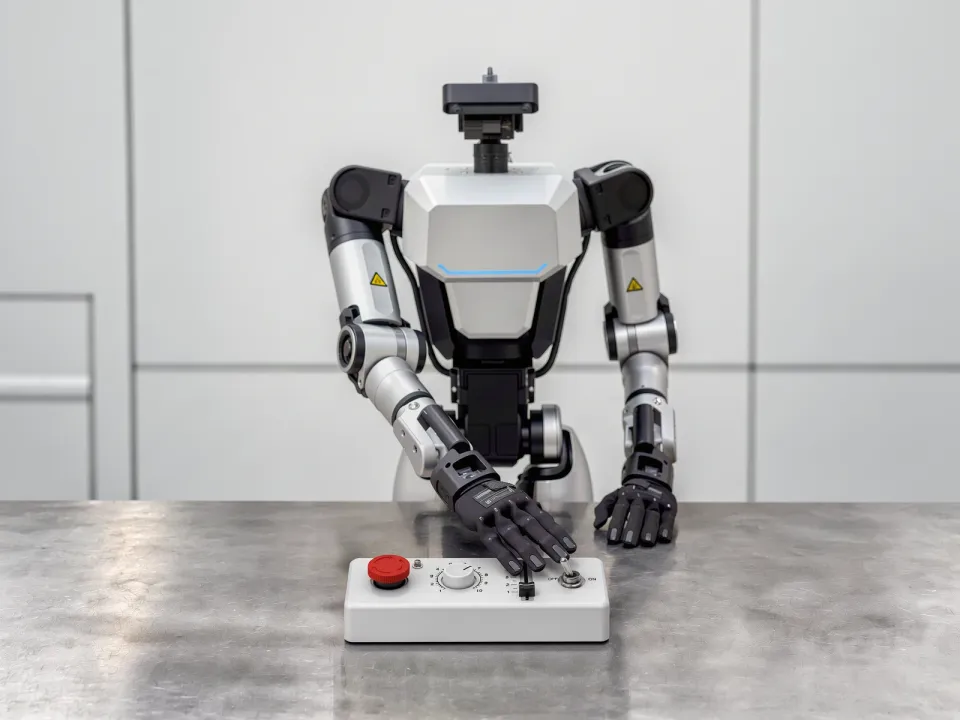
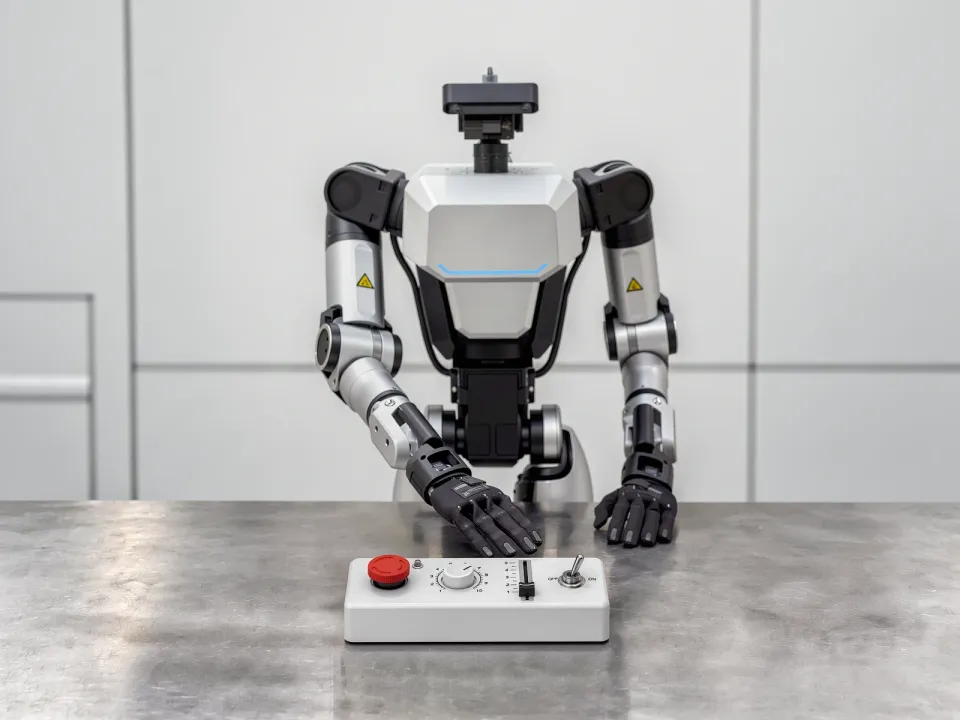
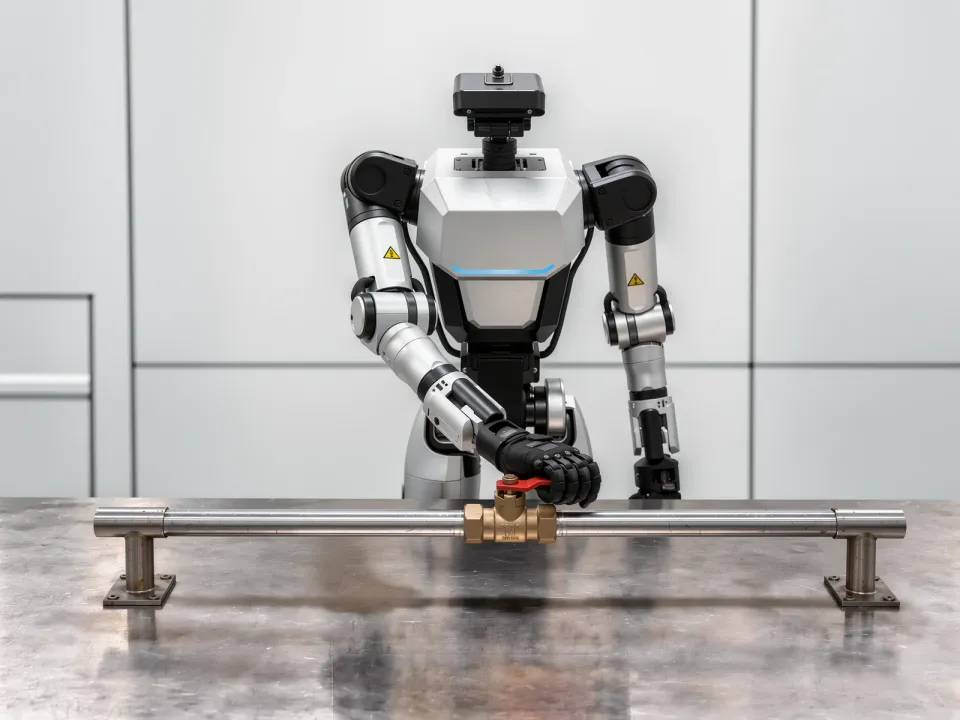
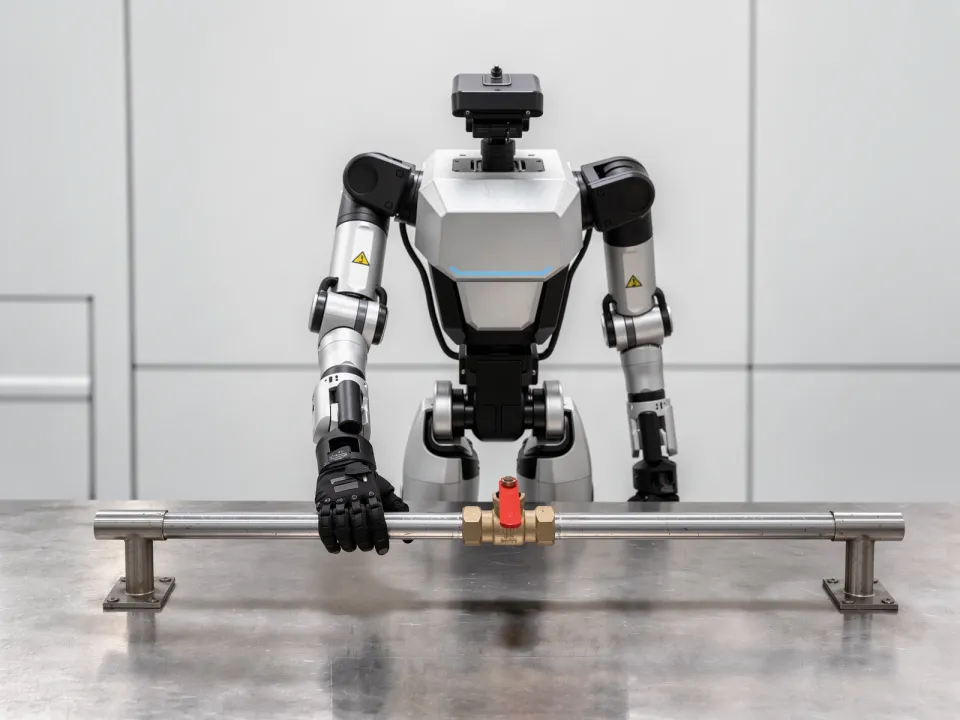
10-EBall Valve Actuation
A short lever must carry a large torque to move, and that force must be maintained while turning it to the specified angle.
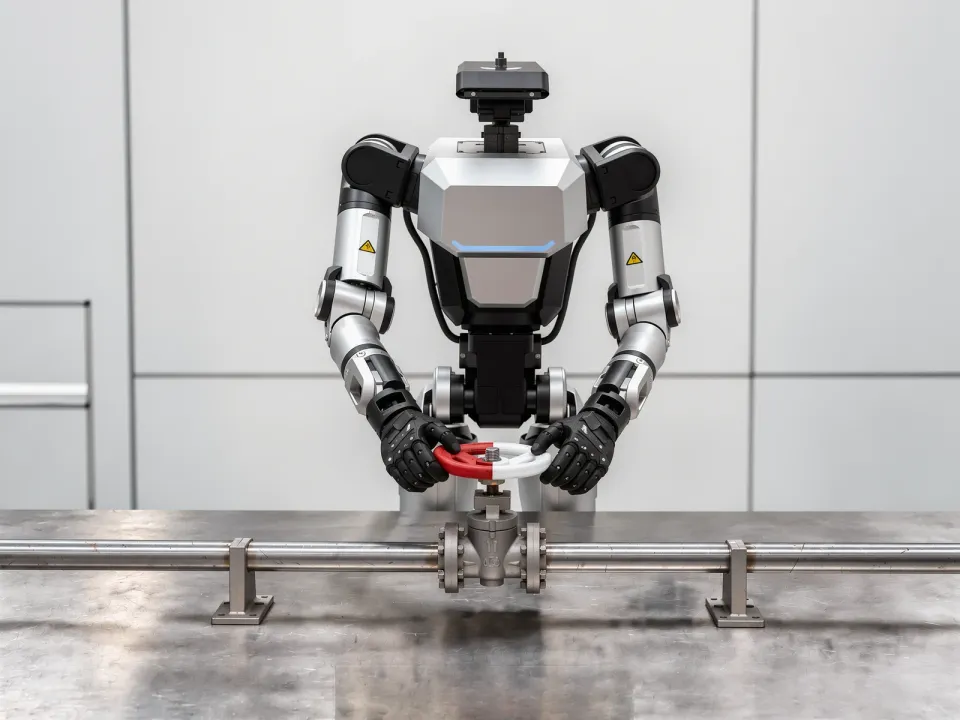
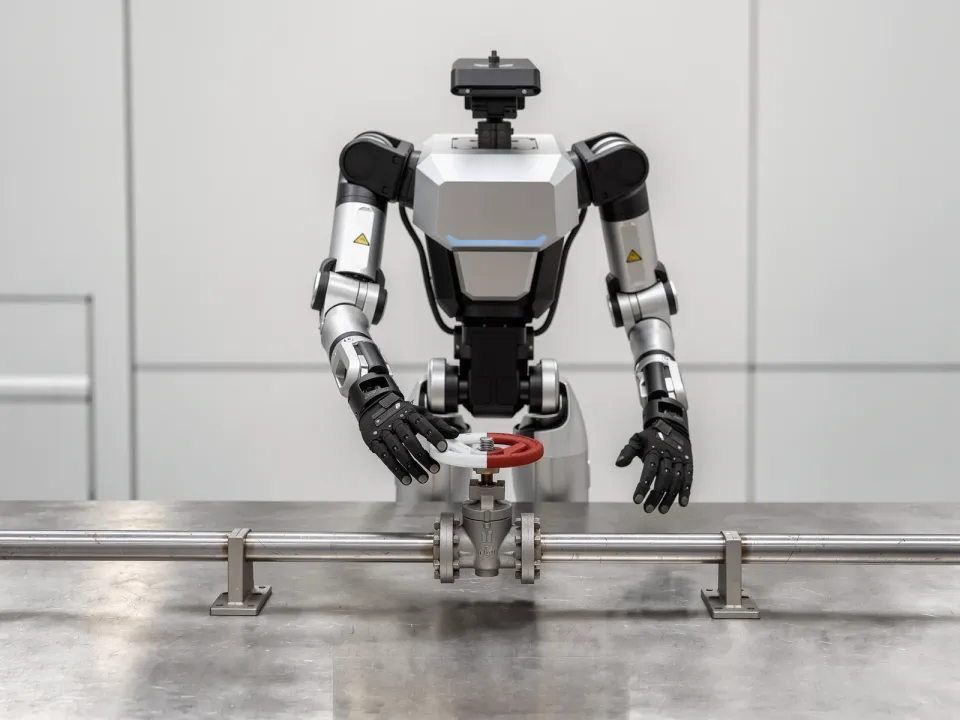
10-FWheel Valve Actuation
Full travel spans several turns and cannot be completed in one grasp, so the rotation must continue through repeated regrasping.
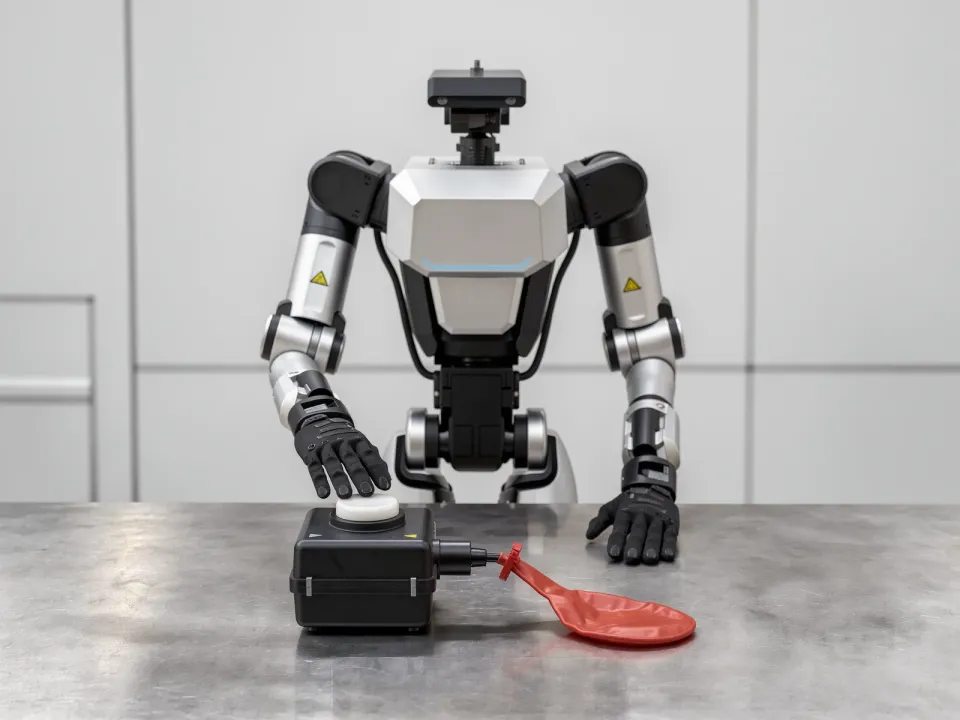
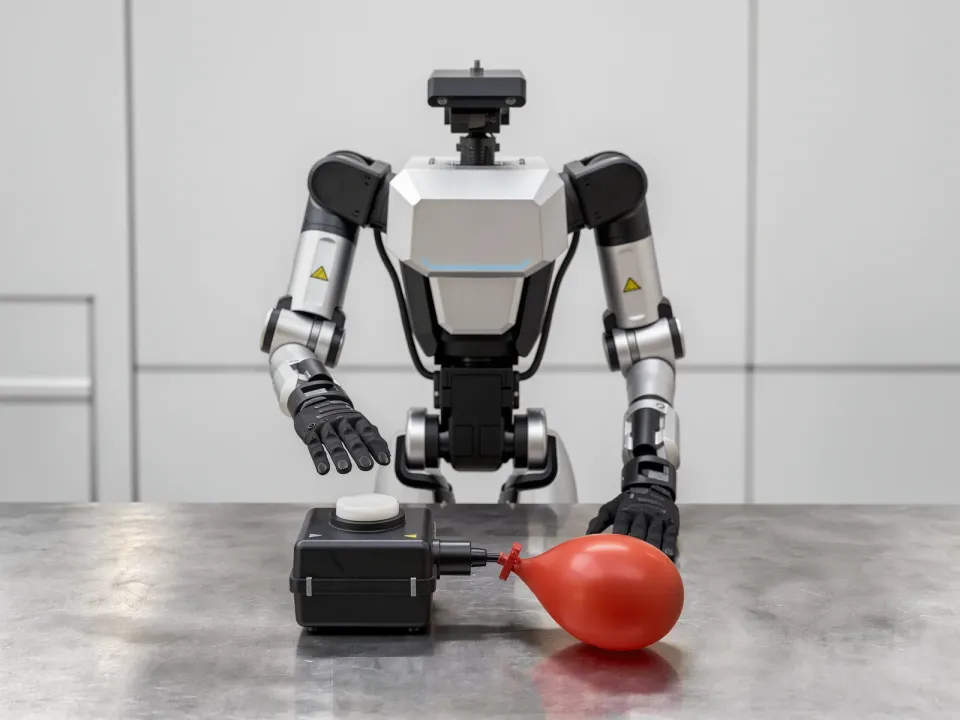
10-GHold-to-Run Actuation
The interface returns when released, so its actuated state must be maintained without interruption for the specified duration.
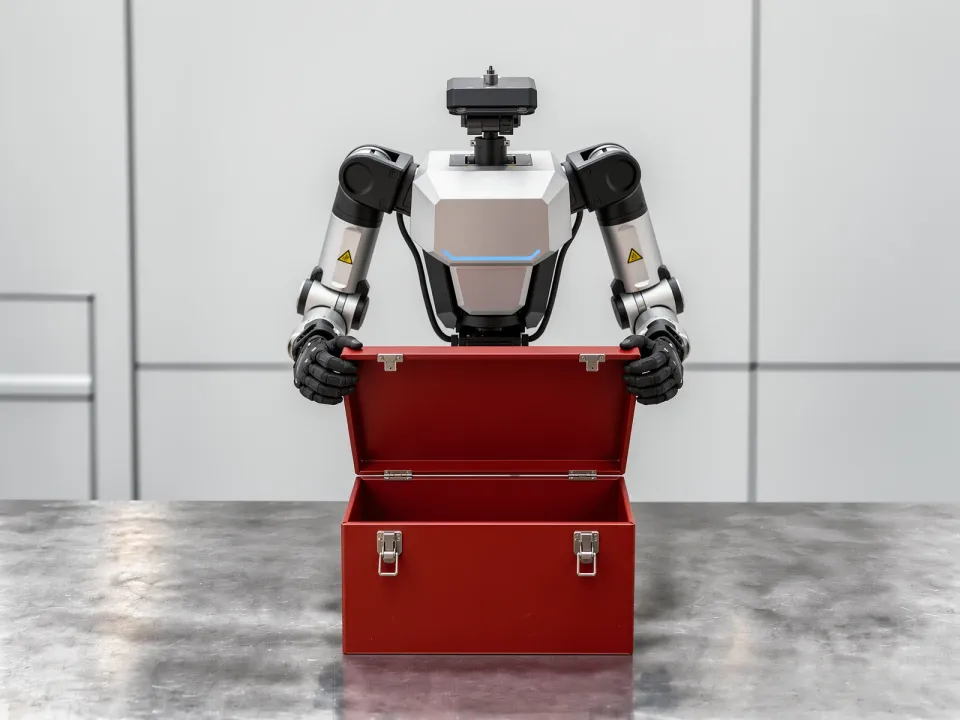
10-HHinged Panel Opening
The panel swings in an arc about its hinge, so the pushing direction must change continuously as it opens.