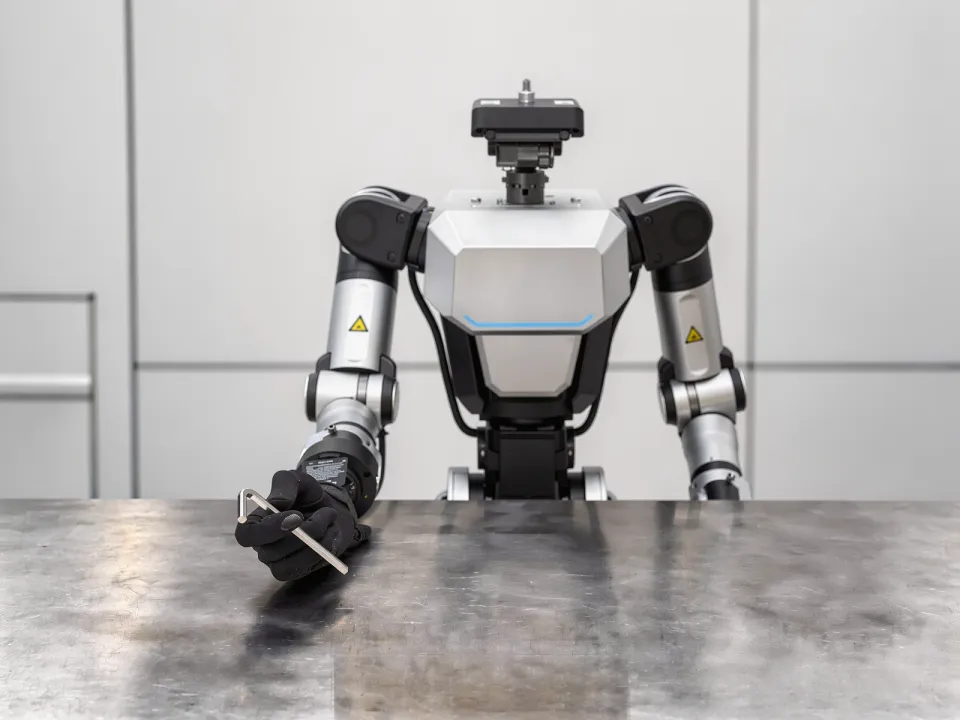
ACTION 02

Reorienting

Changing an object's pose or grasp point by reconfiguring hand-object contact without releasing it

Why It Matters

The pose an object has right after it is grasped rarely matches the pose the next process requires. Examples include aligning a barcode at checkout, switching which side a label faces before conveyor induction, and flipping a part during assembly.

The workaround of setting the object down and picking it up again adds a fresh risk of regrasp failure and pose error each time. Avoiding this requires breaking and re-forming contacts while the object stays supported.

Skills 6

02-AIn-Hand Reorienting

The object is hidden by the hand, so its pose must be changed by touch alone.
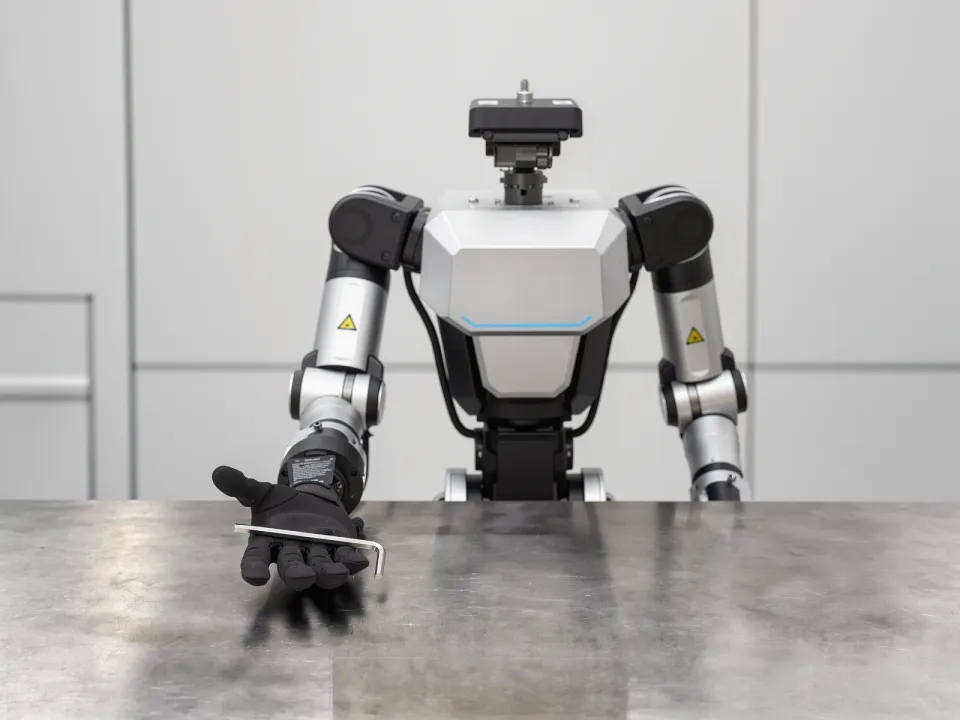
In-Hand Reorienting — Initial state
Initial stateAn object held in one hand is out of its target pose.
In-Hand Reorienting — Final state
Final stateThe object is reoriented to its target pose, with the grasp maintained.
C_geom does not applyC_force appliesC_contact appliesC_obs appliesC_deform does not applyC_dyn does not apply
E1 appliesE2 does not applyE3 does not applyE4 appliesE5 does not apply

02-BMulti-Object In-Hand Reorienting

One hand holds several objects at once with shared fingers, so moving one also shifts the contacts holding the rest.
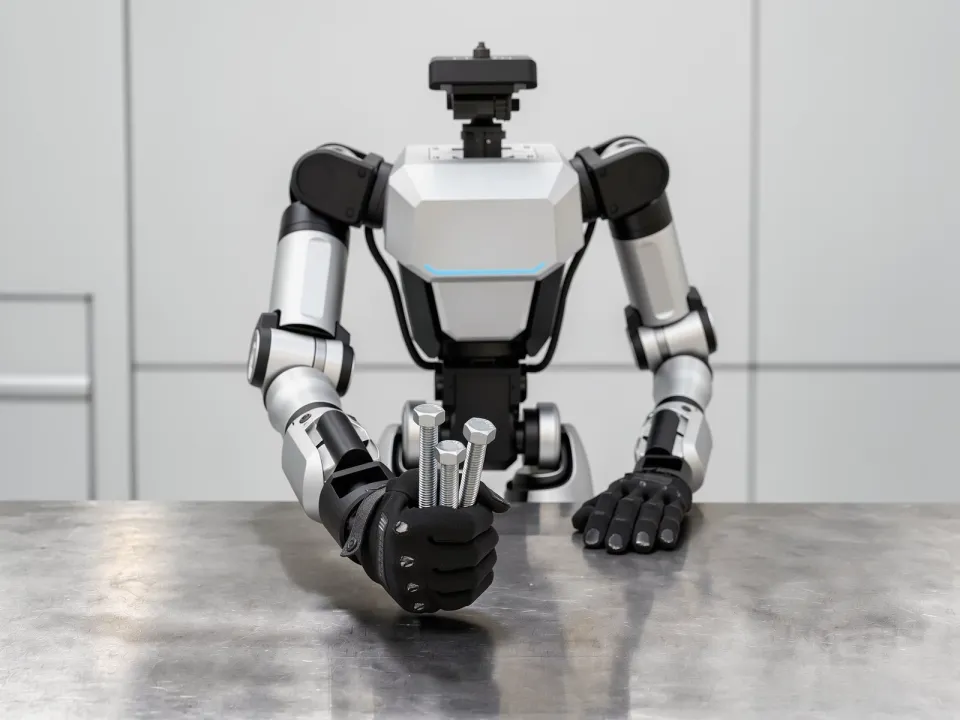

Multi-Object In-Hand Reorienting — Initial state
Initial stateSeveral objects are held together in one hand.
Multi-Object In-Hand Reorienting — Final state
Final stateOnly the designated object is reoriented to its target pose, and the grasp on the others is maintained.
C_geom appliesC_force appliesC_contact appliesC_obs appliesC_deform does not applyC_dyn does not apply
E1 appliesE2 does not applyE3 does not applyE4 appliesE5 does not apply

02-COversized Object Regrasping

The object is large enough to require several coordinated contacts, so it must be turned by relocating them one at a time, and as it turns, the shifting center of mass keeps changing the load on the remaining contacts.
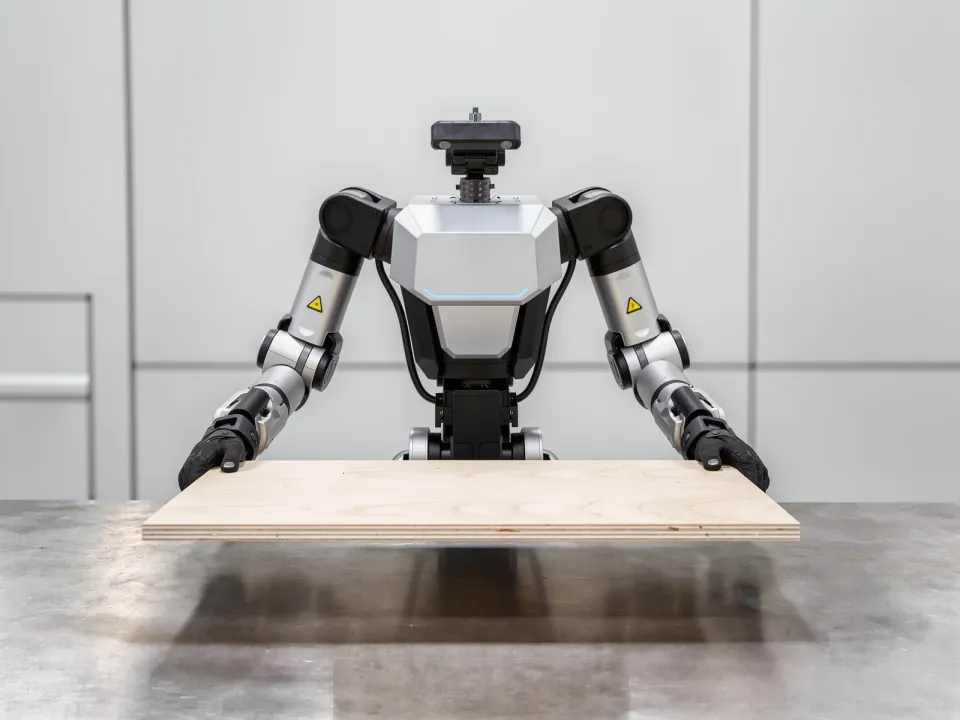
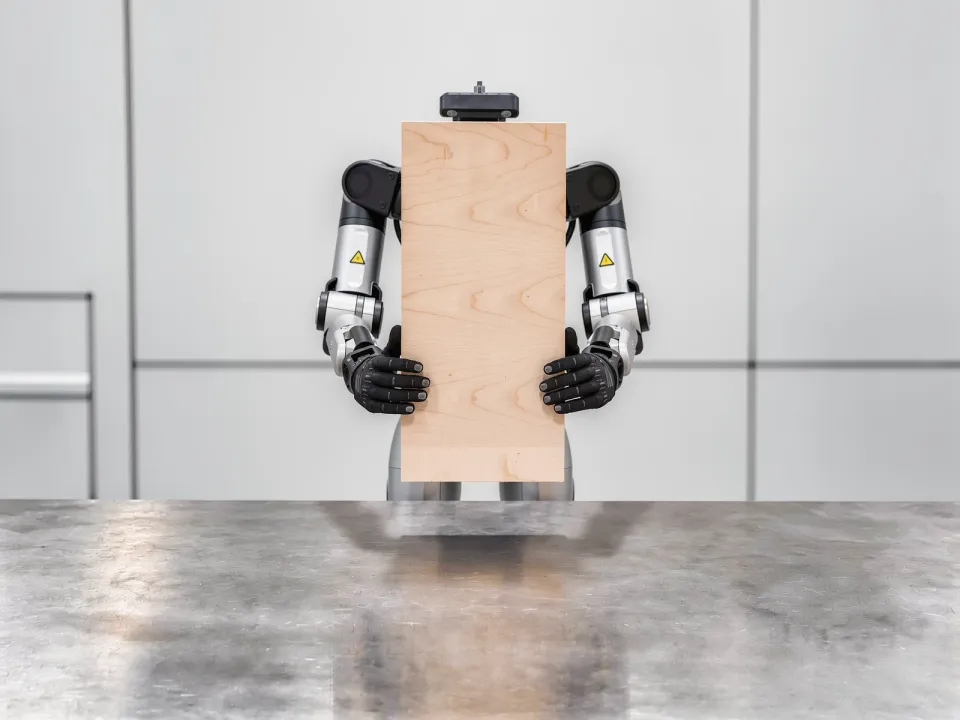
Oversized Object Regrasping — Initial state
Initial stateA large object supported at several contact points is out of its target pose.
Oversized Object Regrasping — Final state
Final stateThe object is reoriented to its target pose without ever losing support.
C_geom does not applyC_force appliesC_contact appliesC_obs does not applyC_deform does not applyC_dyn does not apply
E1 appliesE2 does not applyE3 does not applyE4 appliesE5 does not apply

02-DExtrinsic Reorienting

The surroundings limit the hand's range of motion, so the pose cannot be fully changed in hand, and once an external surface is used for support, the environment also determines how the object moves.
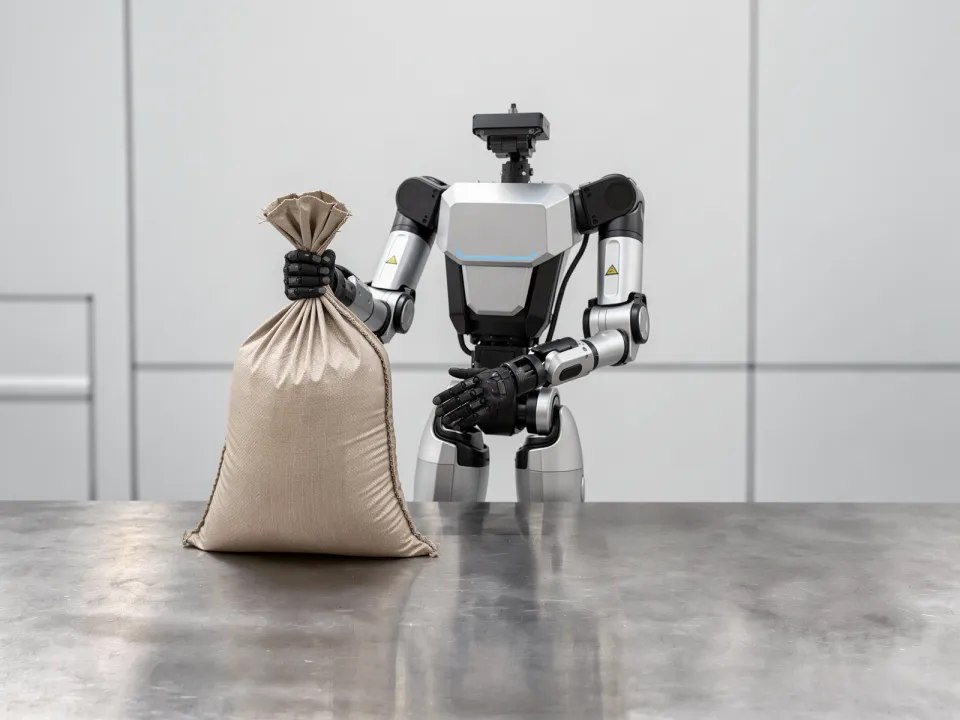
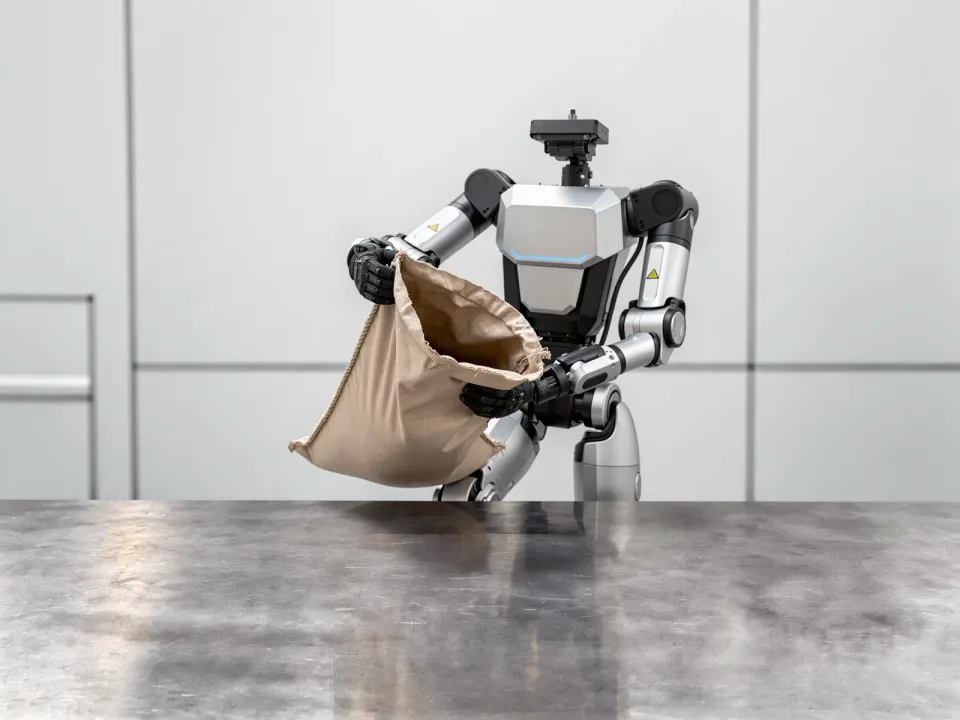
Extrinsic Reorienting — Initial state
Initial stateAn object is held whose target pose cannot be reached with the hand alone.
Extrinsic Reorienting — Final state
Final stateThe object is reoriented to its target pose with support from an external surface.
C_geom appliesC_force appliesC_contact appliesC_obs does not applyC_deform does not applyC_dyn does not apply
E1 appliesE2 does not applyE3 does not applyE4 appliesE5 does not apply

02-EBrittle Object Reorienting

Brittleness limits the support points, grasp points and applicable force together, sharply narrowing the contact configurations available while the pose changes.

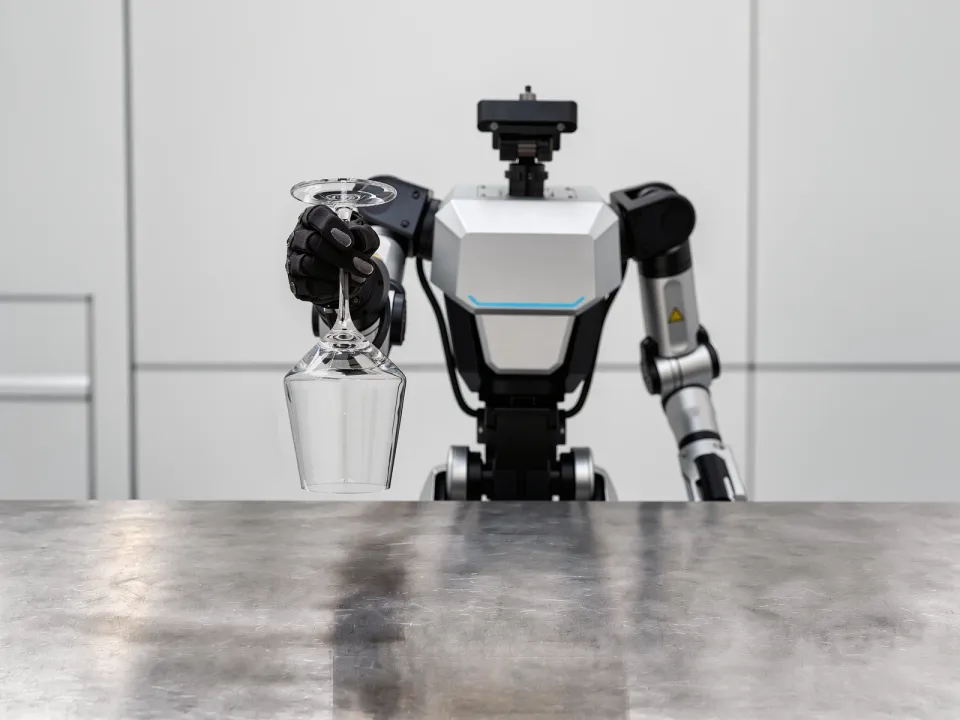
Brittle Object Reorienting — Initial state
Initial stateA held object that breaks under pressure is out of its target pose.
Brittle Object Reorienting — Final state
Final stateThe object is reoriented to its target pose without breaking.
C_geom appliesC_force appliesC_contact appliesC_obs does not applyC_deform does not applyC_dyn does not apply
E1 appliesE2 does not applyE3 does not applyE4 appliesE5 does not apply

02-FLabel Reorienting

The object's symmetric shape does not reveal its orientation; only a surface marking does, and that marking cannot be observed when it faces away.
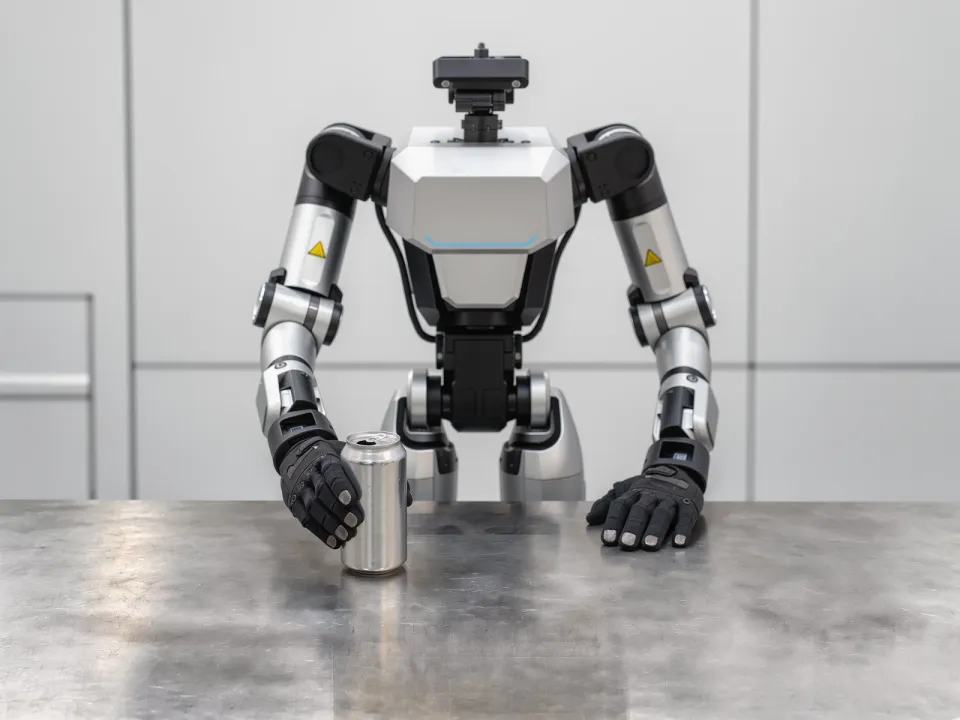
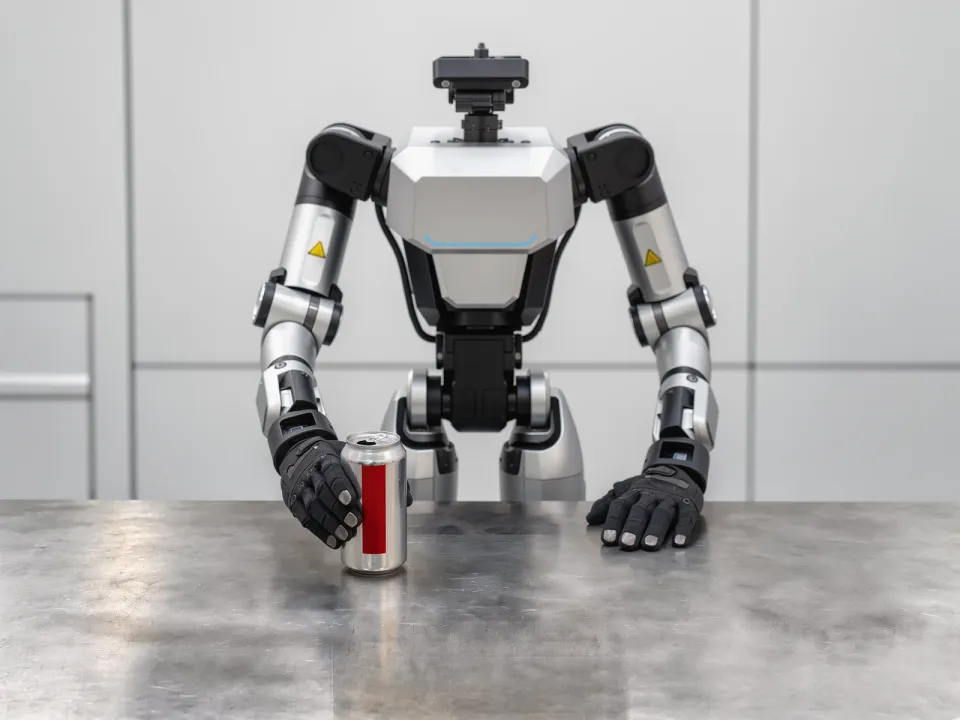
Label Reorienting — Initial state
Initial stateAn object with a symmetric shape and a marking on one face only is held, with the marking turned out of view.
Label Reorienting — Final state
Final stateThe marking faces the specified direction, with the grasp maintained.
C_geom appliesC_force does not applyC_contact appliesC_obs appliesC_deform does not applyC_dyn does not apply
E1 does not applyE2 does not applyE3 does not applyE4 does not applyE5 applies